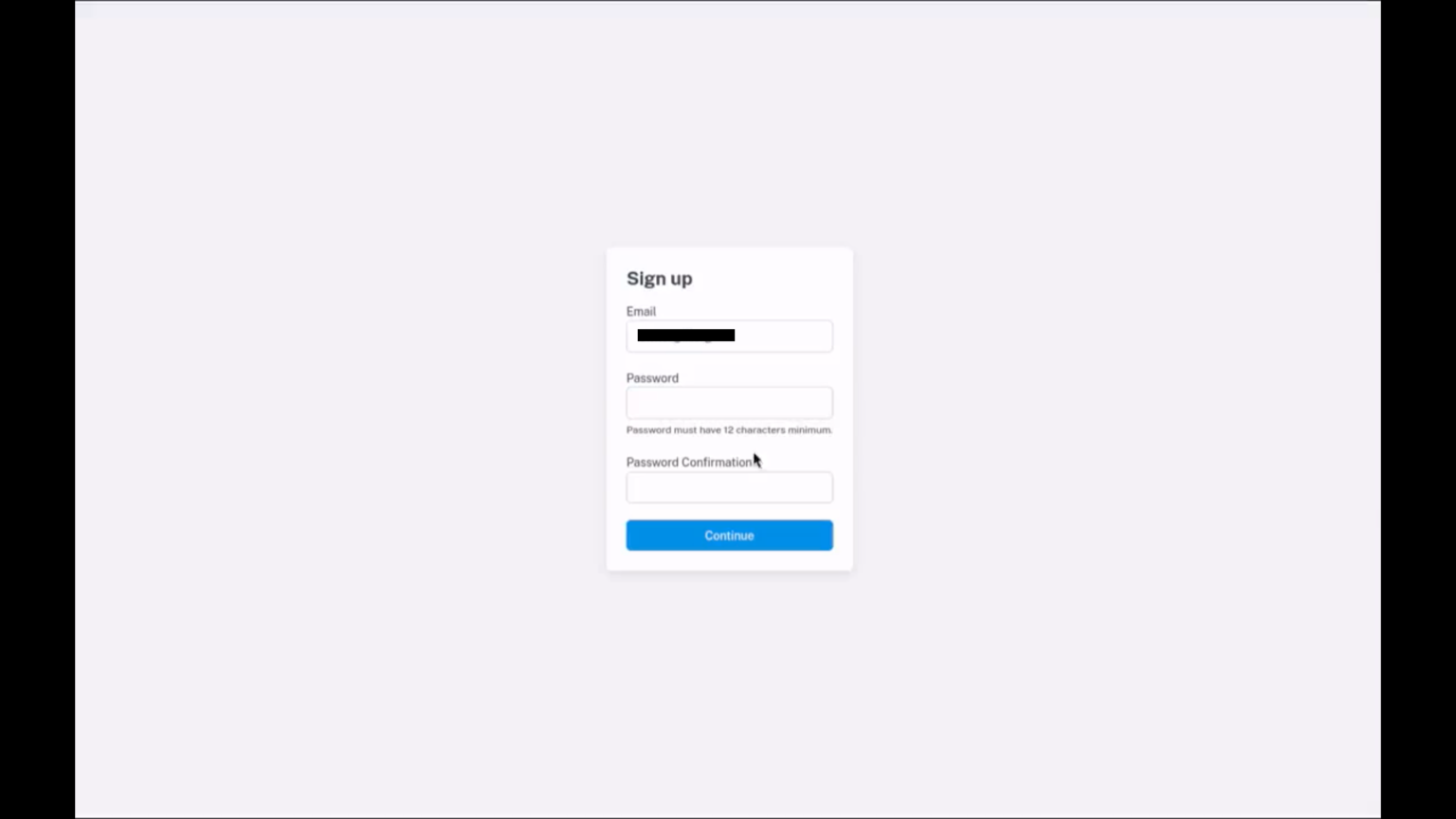
Please enter your email address and password in both fields and press “Sign up”.
You will receive a confirmation email at your registered email address.
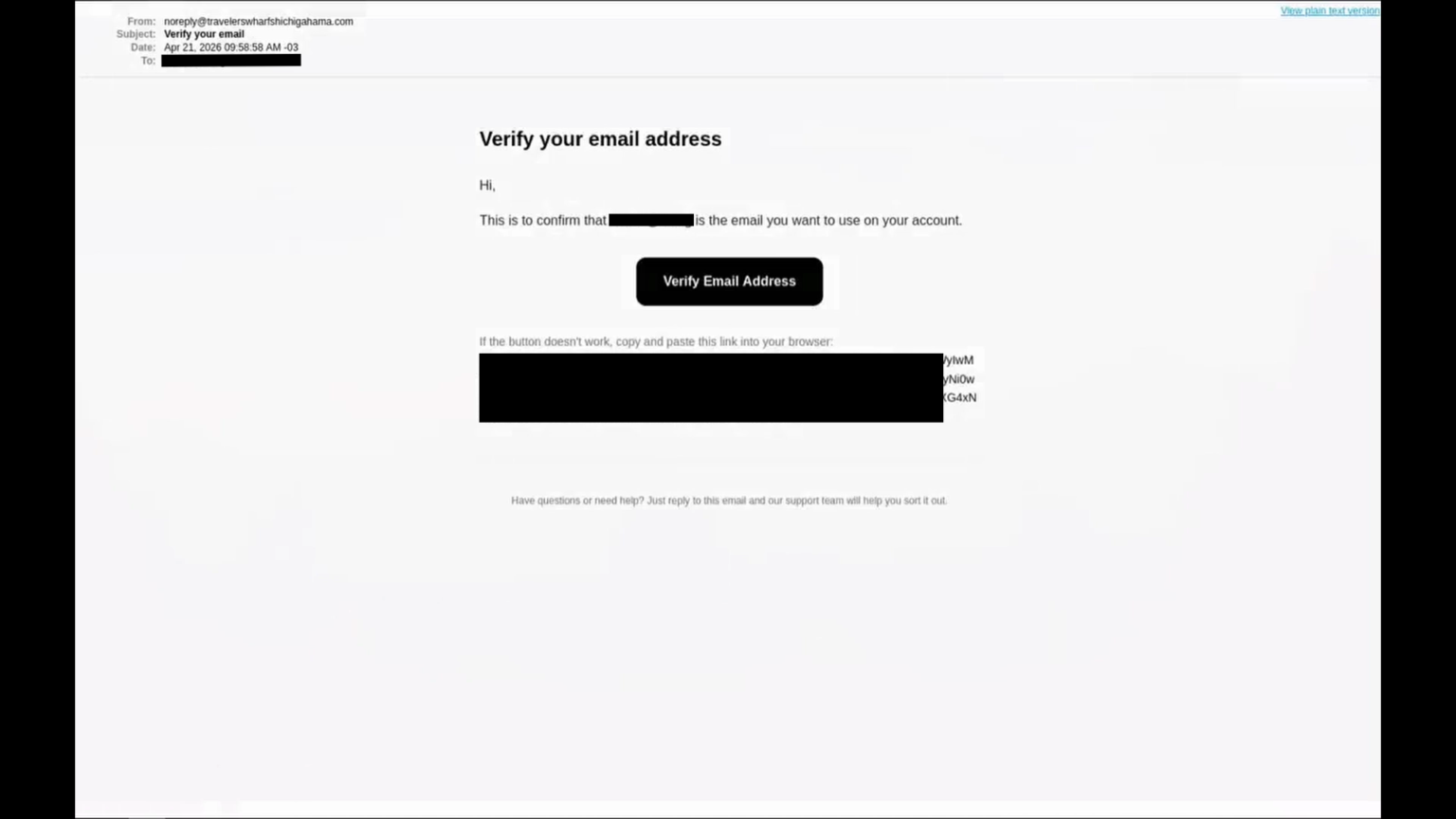
Please check the confirmation email and click “Sign in without password.” You will be able to log in without a password next time.
Many people have already registered as agents. Registration is open to both corporations and individuals operating accommodation facilities.
Registered agents include business travelers, self-employed individuals, and families who love traveling.
Registration is…here.
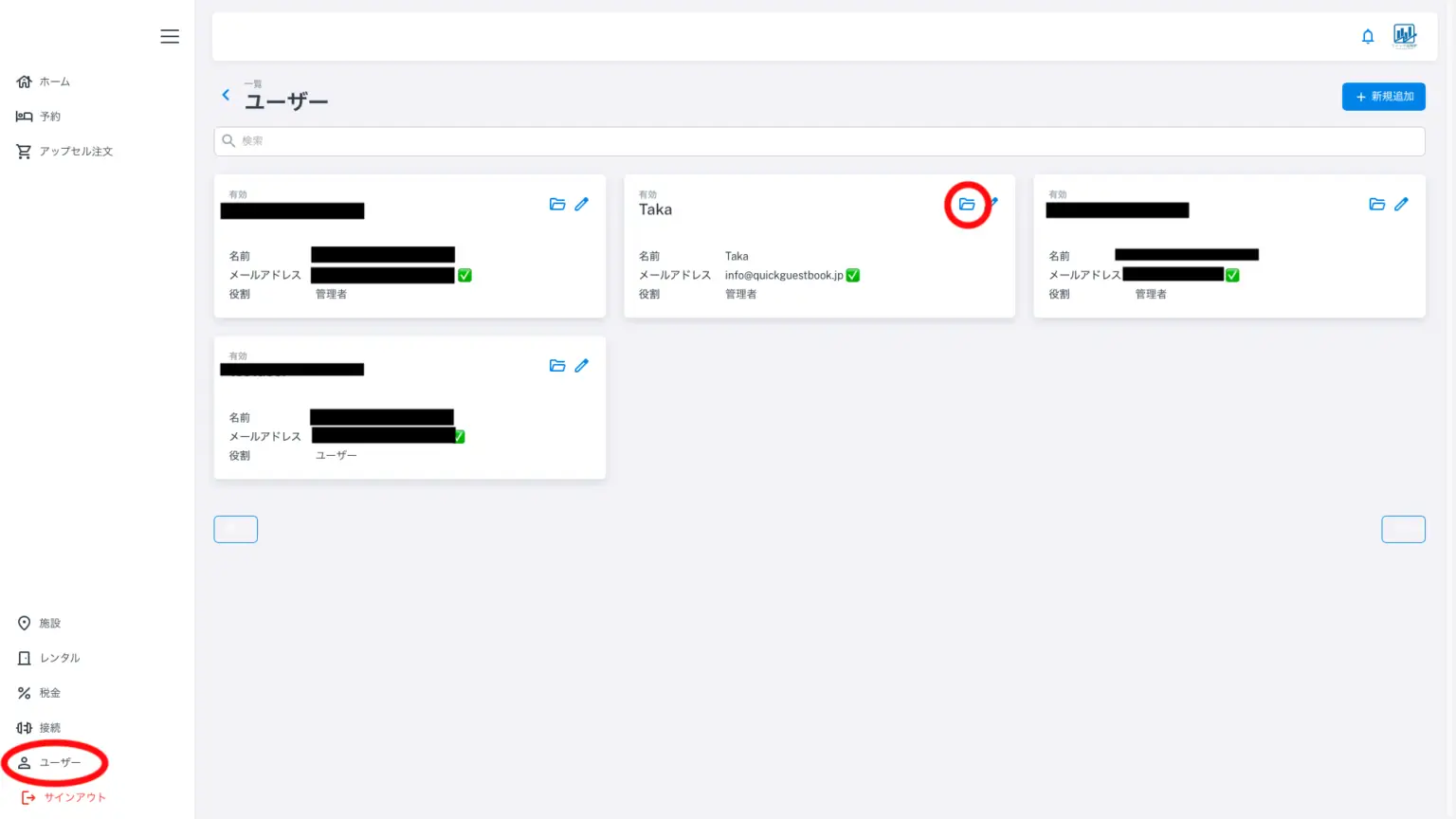
Click “Users” in the menu on the left. The screen shown above will appear.
Generally, only one user is displayed. While travel agencies are also users, in the case of agencies, multiple accommodations they have introduced will be displayed. The administrator is the administrator of the Quick Accommodation Tax Register, and the entire user profile is displayed. Click the red circle (pencil icon) in the upper right corner of the user you want to edit. The screen shown below will appear.
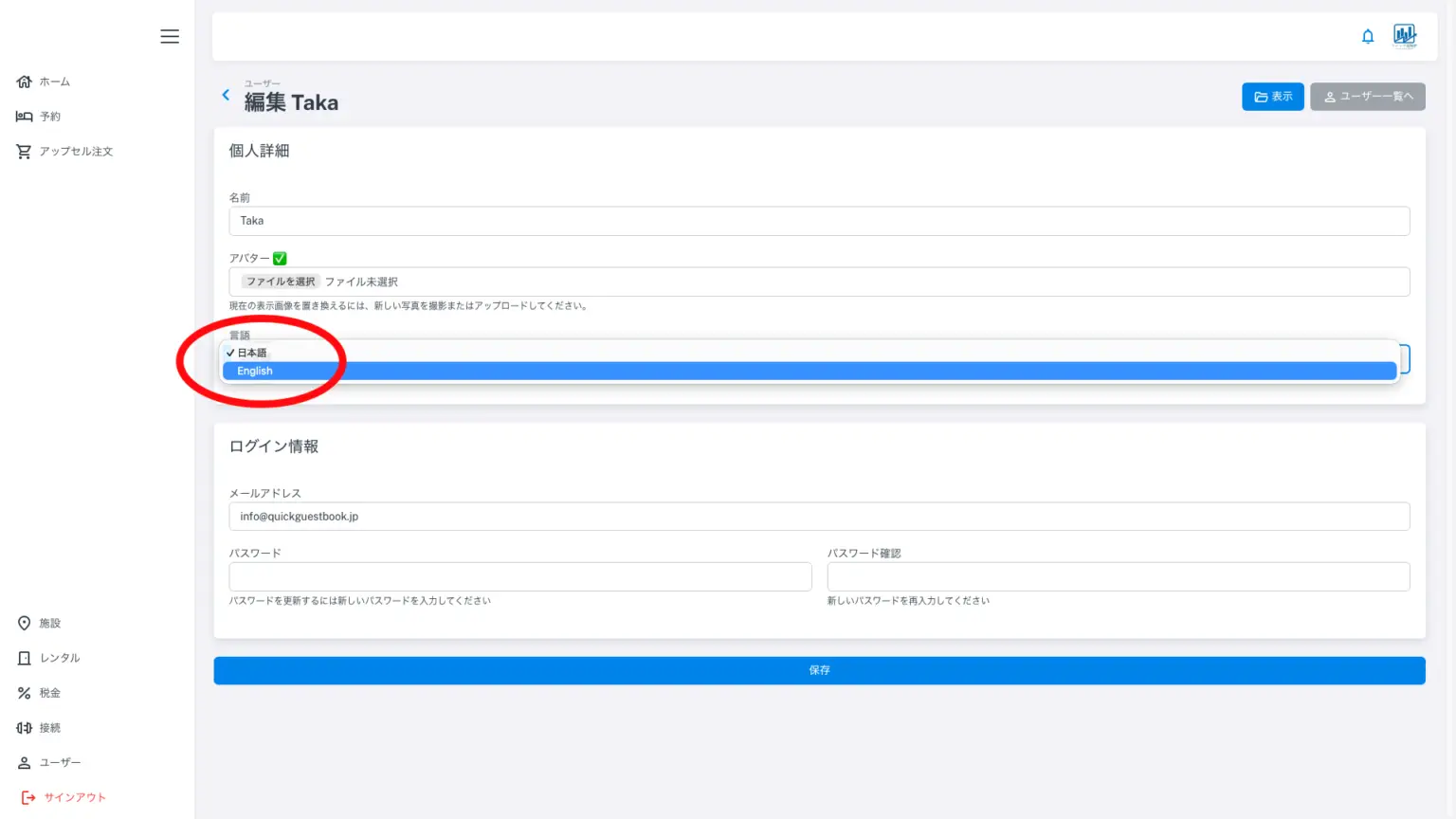
When you log in for the first time, the administration screen and other elements will be entirely in English. Please change the language to Japanese using the language dropdown menu shown in the image above. The administration screen will then be entirely in Japanese. At the top of the screen, you can register your user logo and/or staff member’s image. This will be displayed where the Quick Tax Register image is located in the upper right corner. If you wish to make changes, please select a different file and press Save at the bottom of the screen.